TA
A TA account is a student account with support permissions added. The screens students see are covered in the Student guide.
The interface is in Korean; screen and button names below are quoted as they appear.
Ask the professor to edit problems and test cases, enroll students, or manage grades. Which screens you can reach is decided by your assigned role and course registration.
Assigned Courses
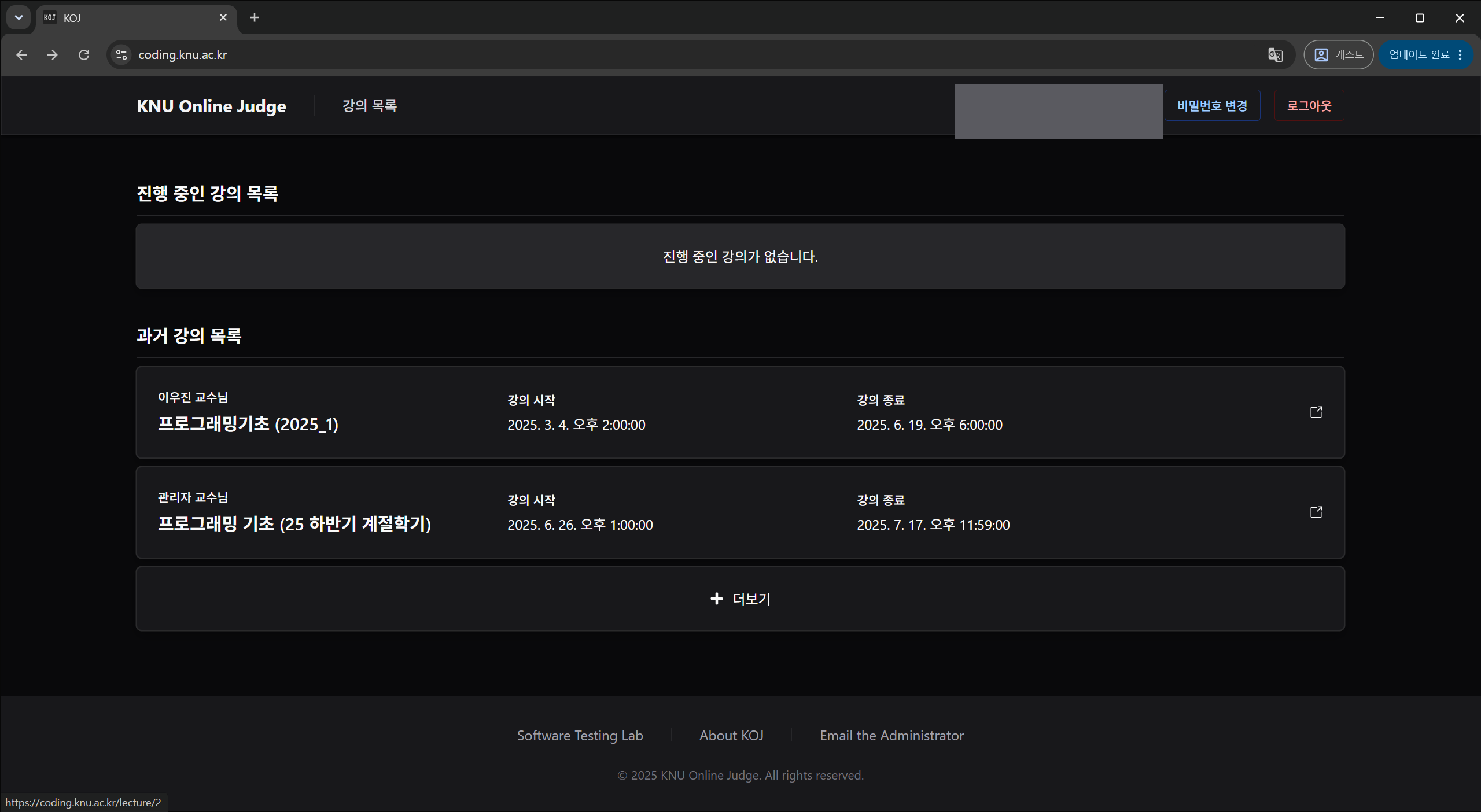
If an assigned course is missing, check your TA registration. If a lab is invisible to students only, check the lab's period and visibility.
Checking Submissions
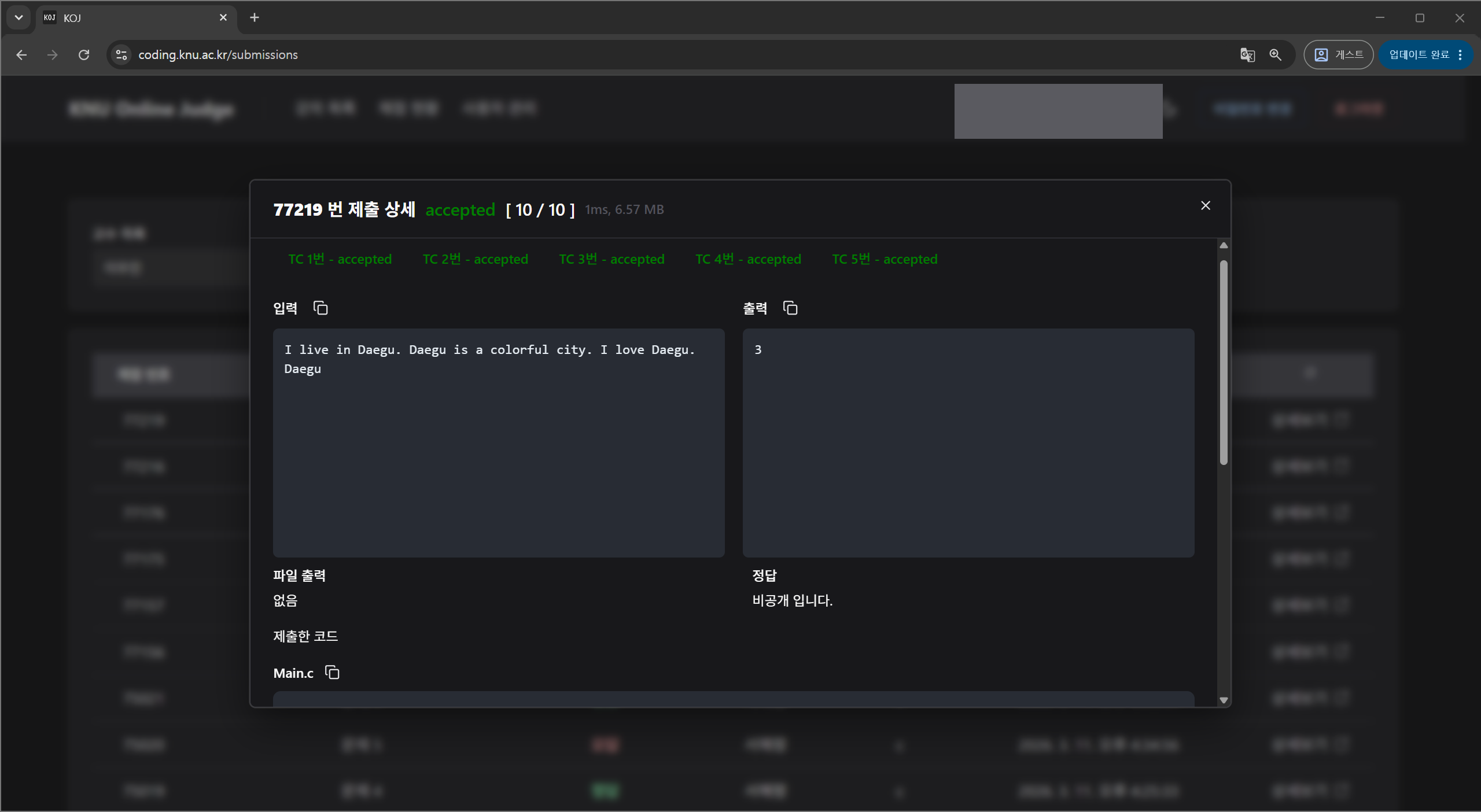
- If wrong answers or compile errors cluster on one problem, ask the professor to review the problem statement or its test cases.
- Several 내부 에러 (internal error) results point to a grading-side failure. Tell the professor before attributing it to student code.
- Follow course policy and privacy rules when handling student code.