Professor
Signing in and the meaning of each status are in the KOJ Overview.
The interface is in Korean; screen and button names below are quoted as they appear.
- There is no regrading. Editing test cases changes results only for submissions made afterward; earlier submissions keep their original result.
- Run one lookup and one submission from a sample student account before class. Missing test cases surface only this way.
Creating a Course
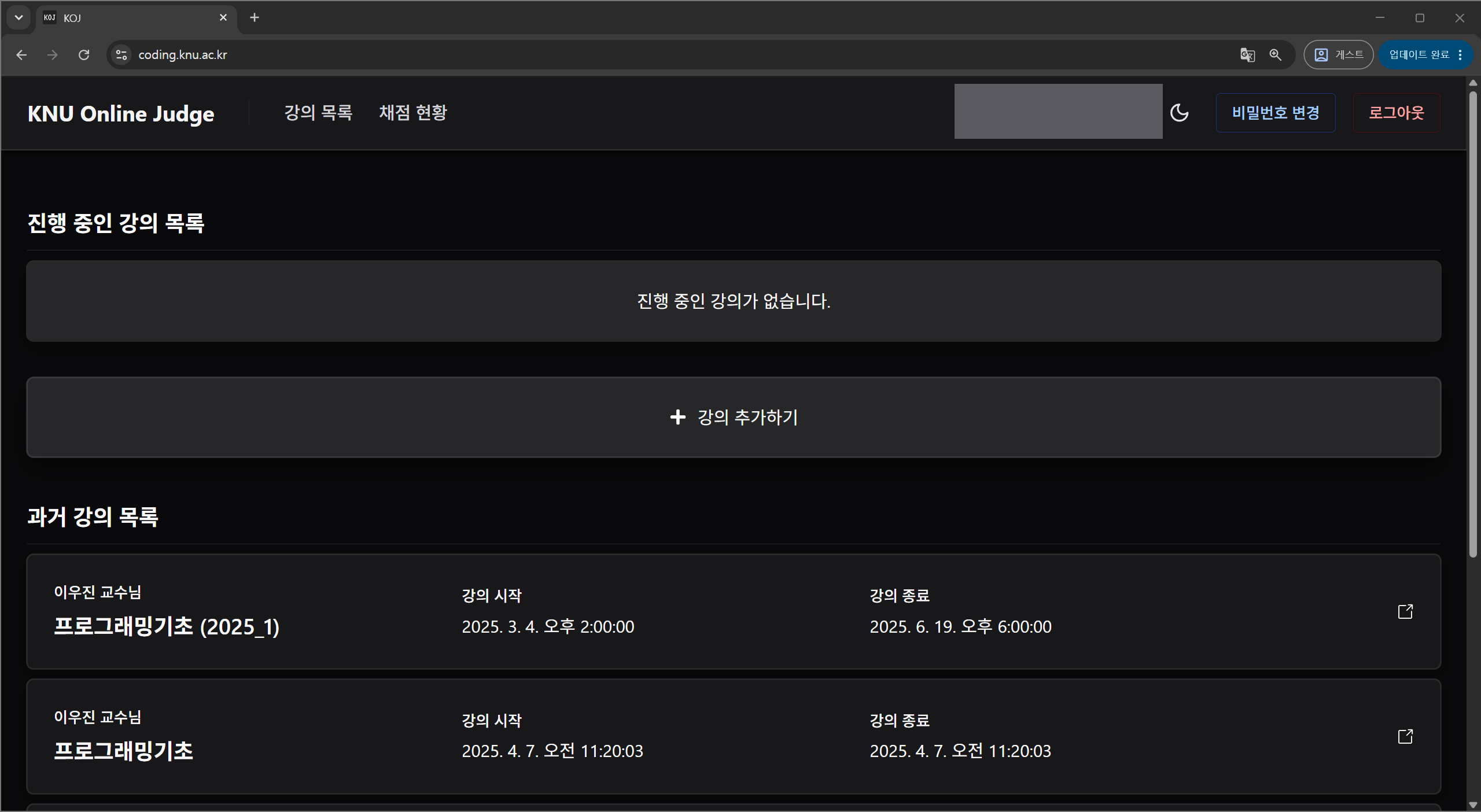
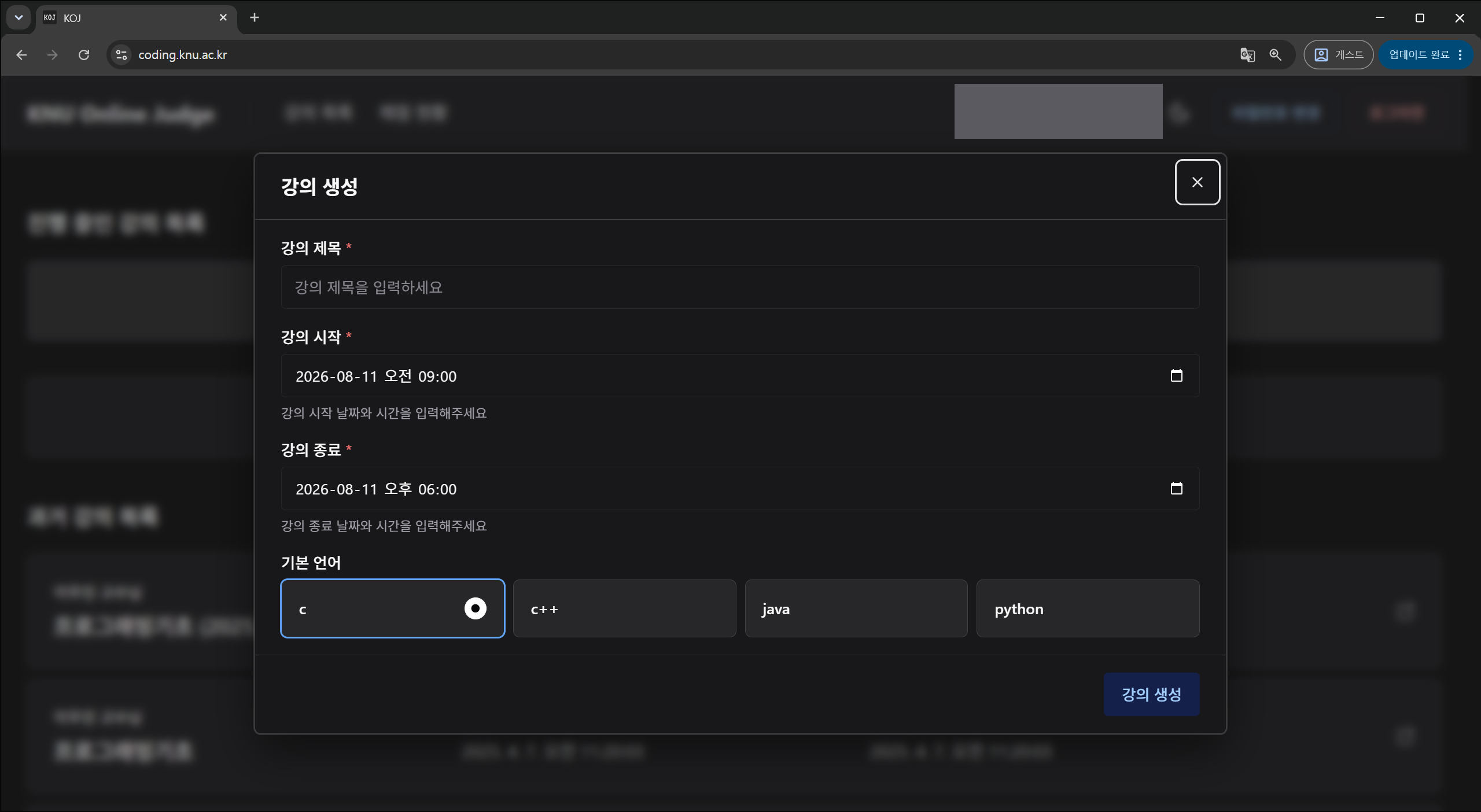
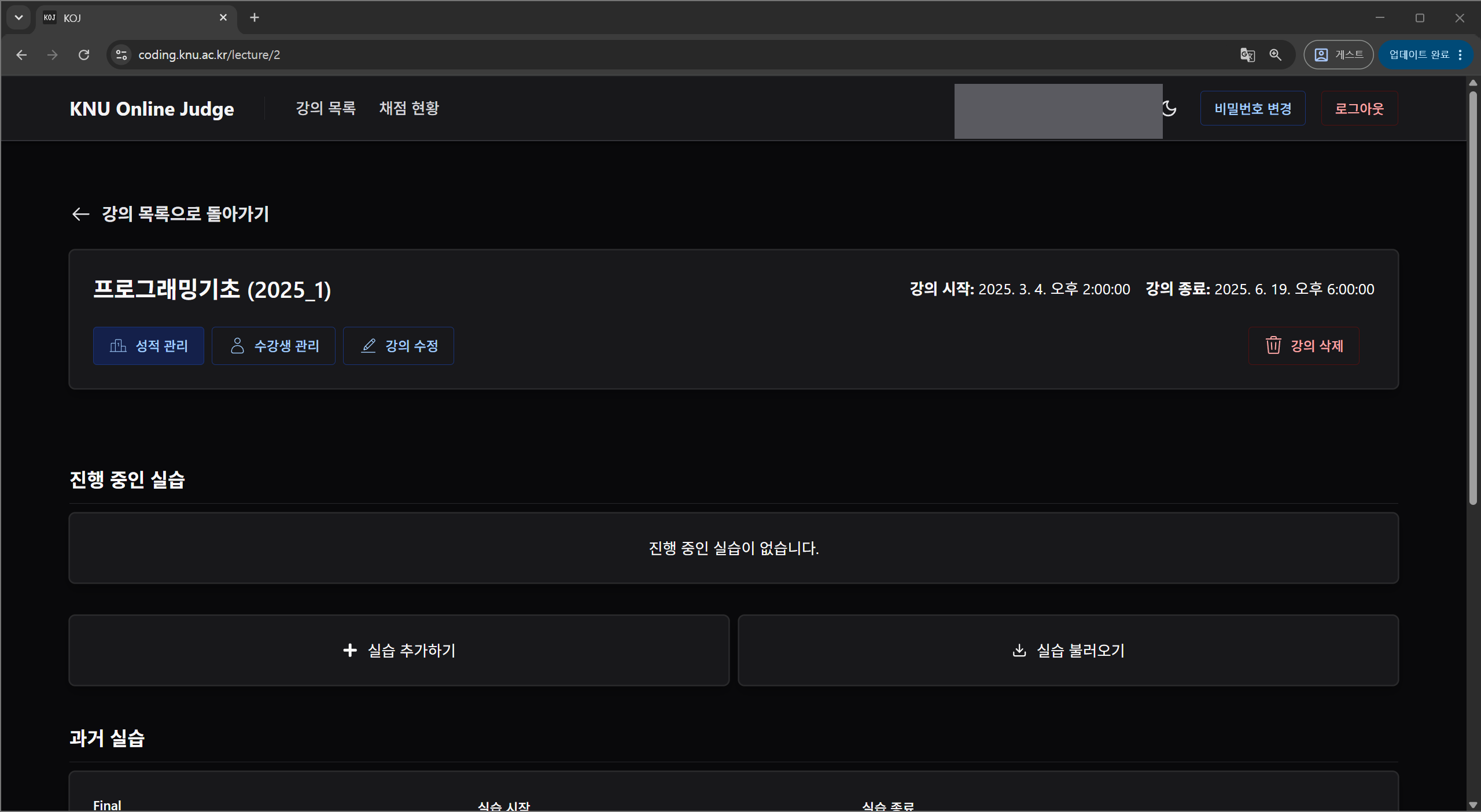
- Courses have no visibility setting. Start and end datetimes alone decide whether a course is active or past. Visibility is set per lab.
- Deleting a course affects its labs, problems, and submissions.
Enrolling Students and TAs
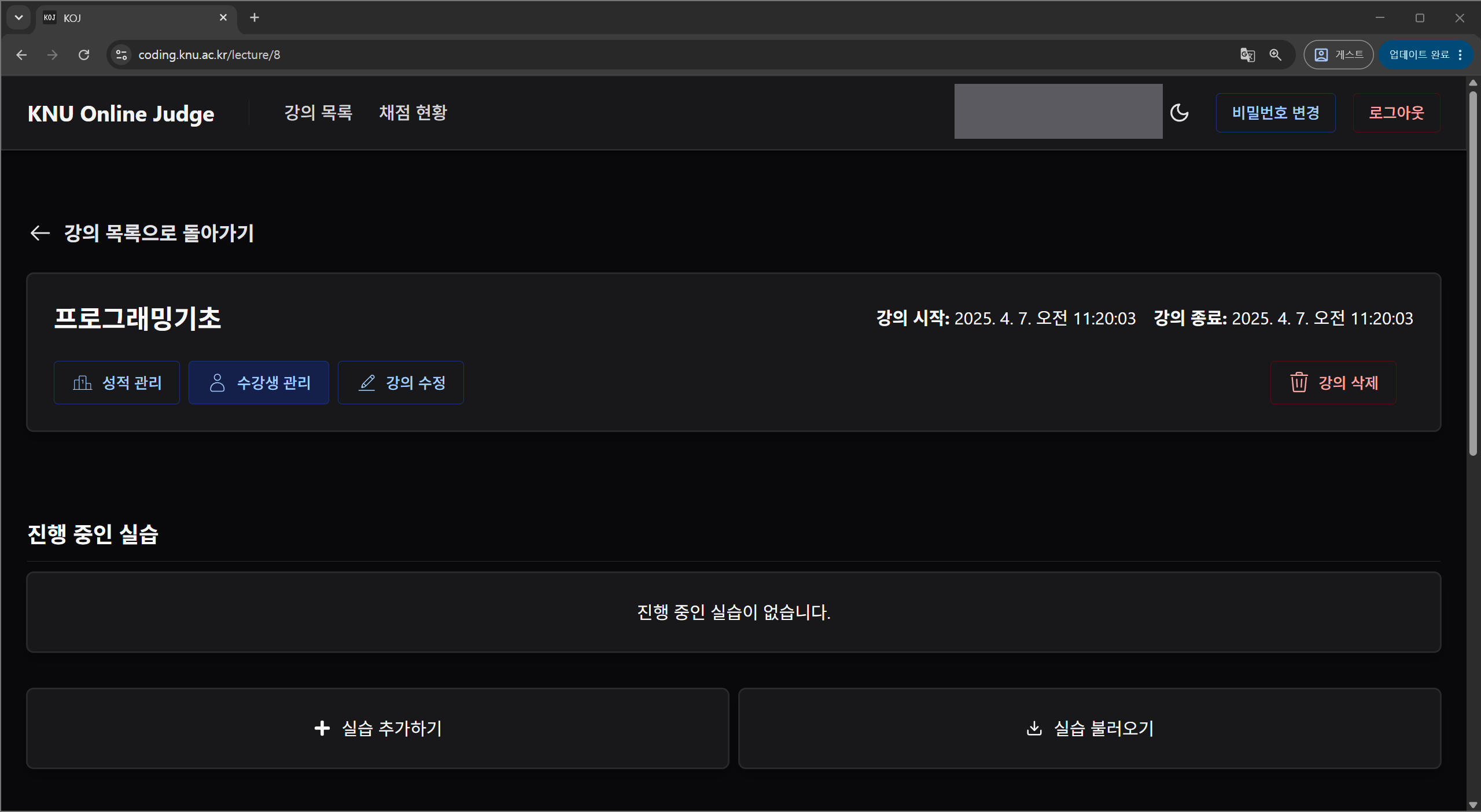
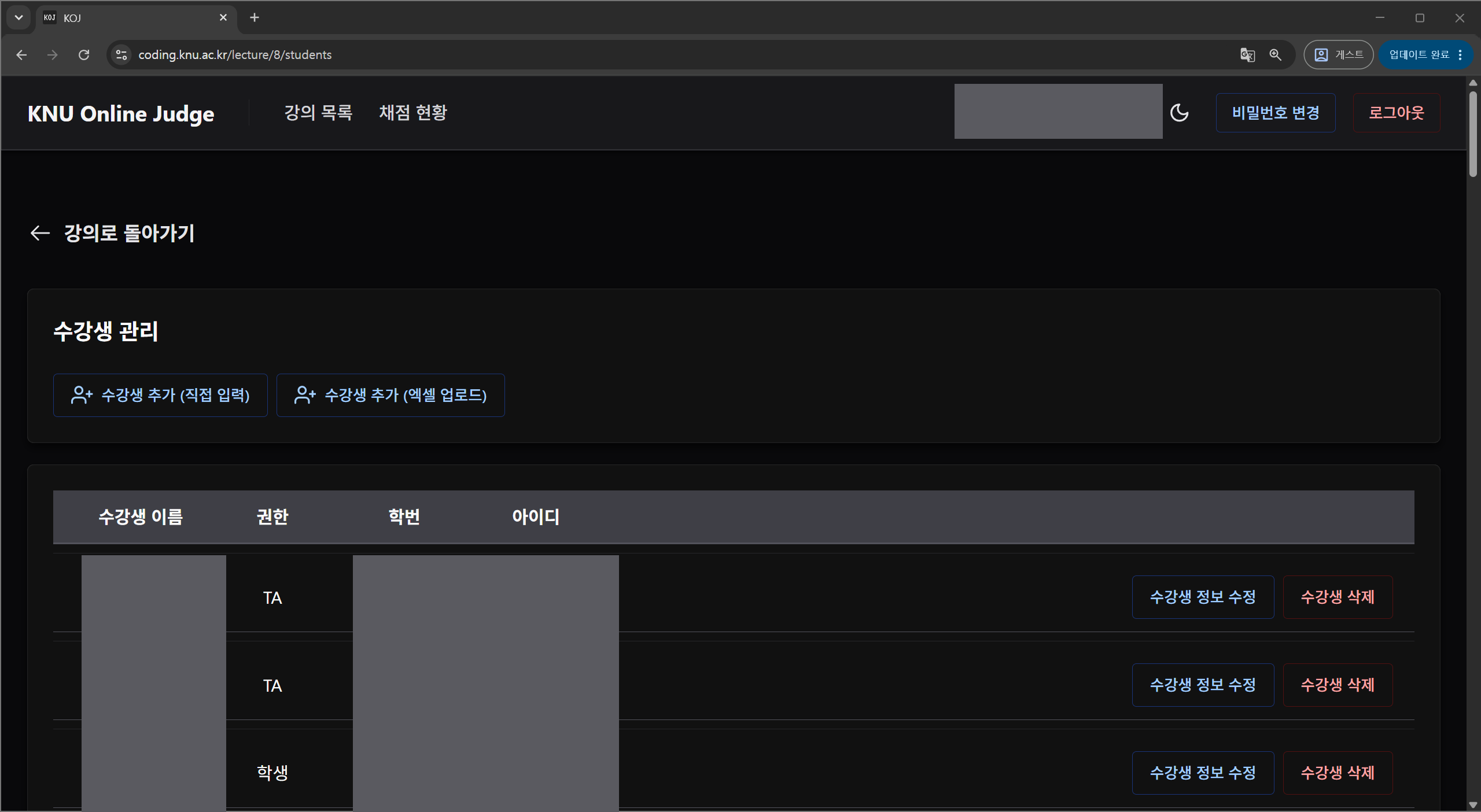
- A new student's initial password is student number + 1234. Existing students keep their password.
- An Excel upload must keep the template's columns unchanged.
Creating a Lab
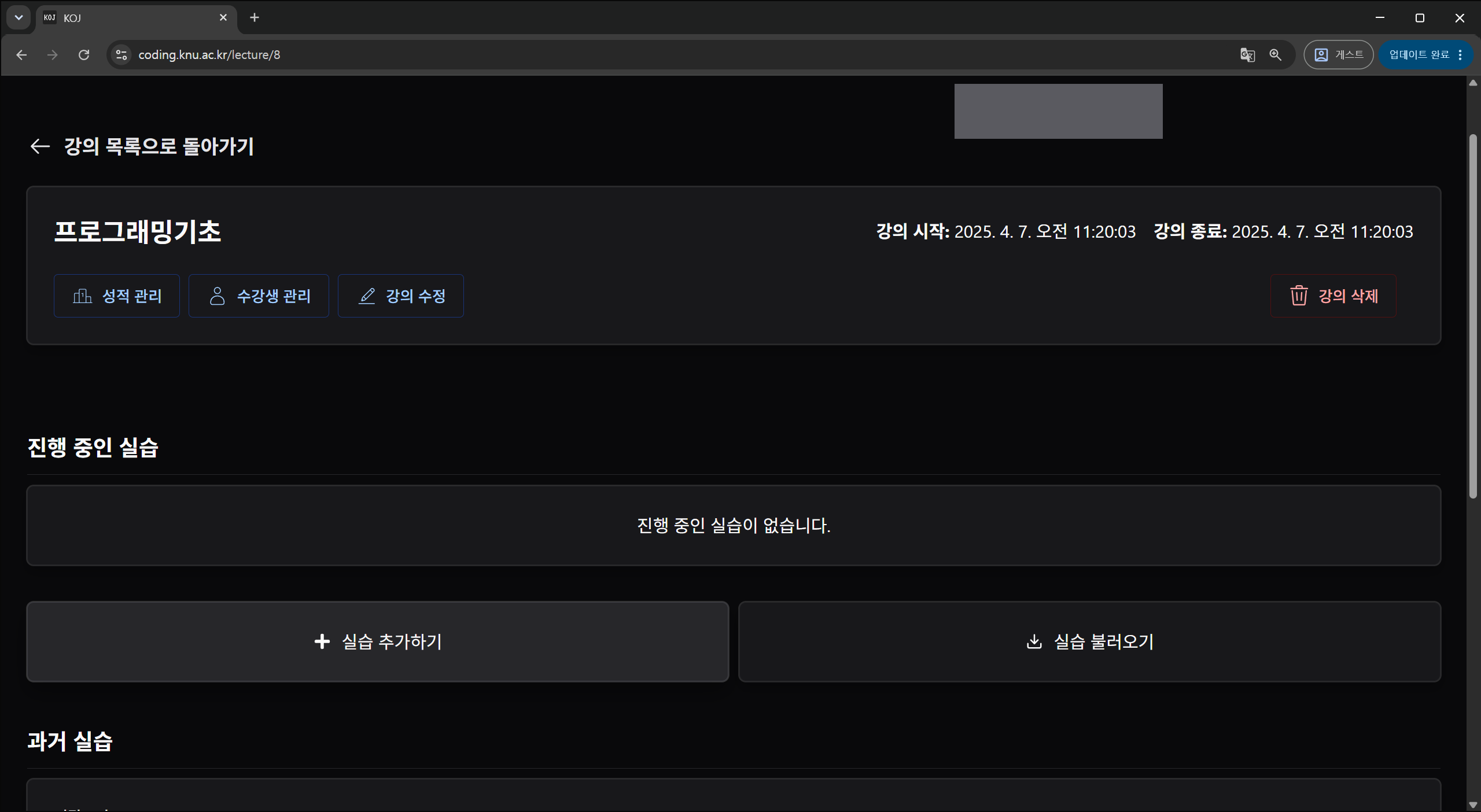
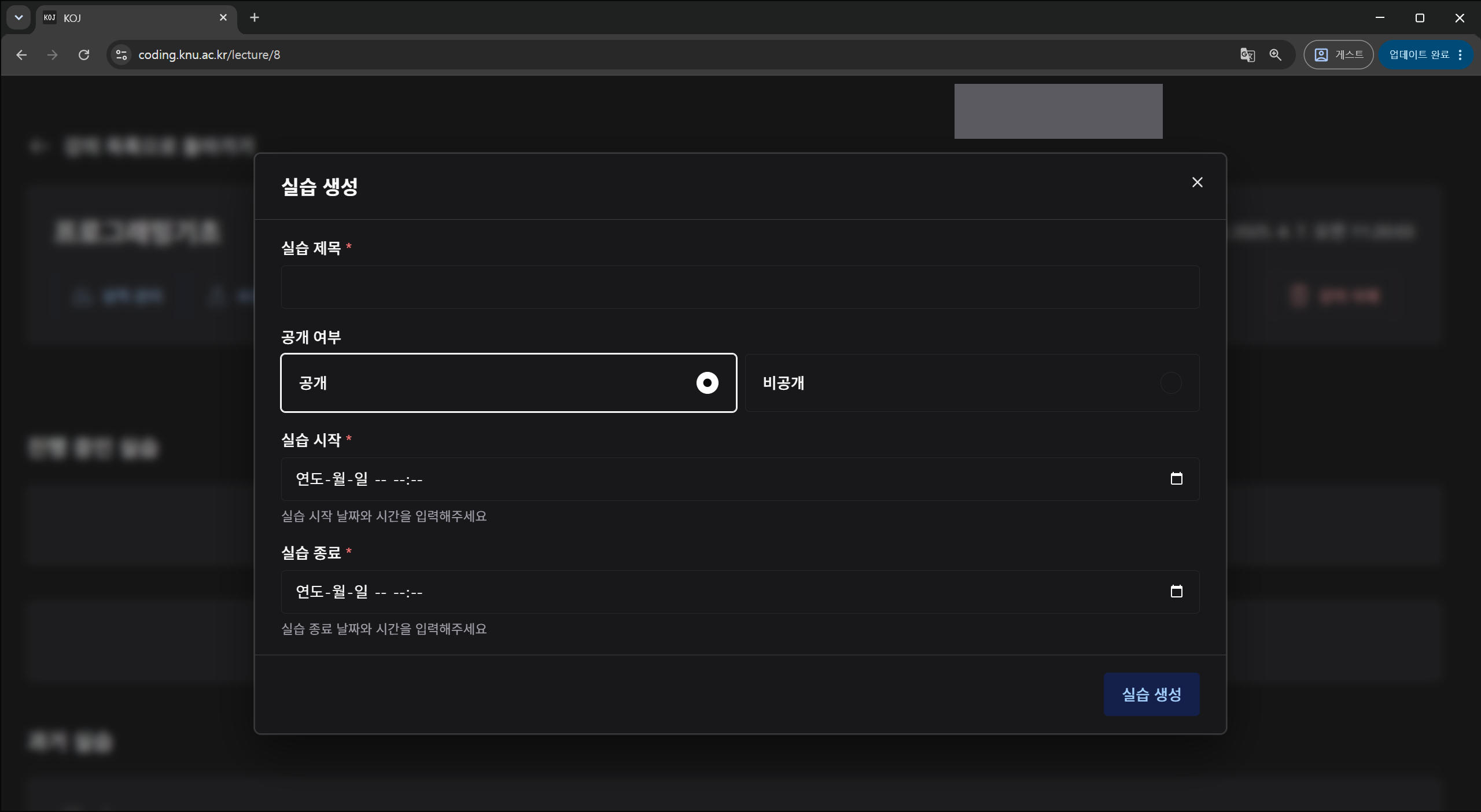
- Visibility and the lab period together decide whether students can reach it.
- 실습 불러오기 (import lab) copies an existing lab.
Creating a Problem
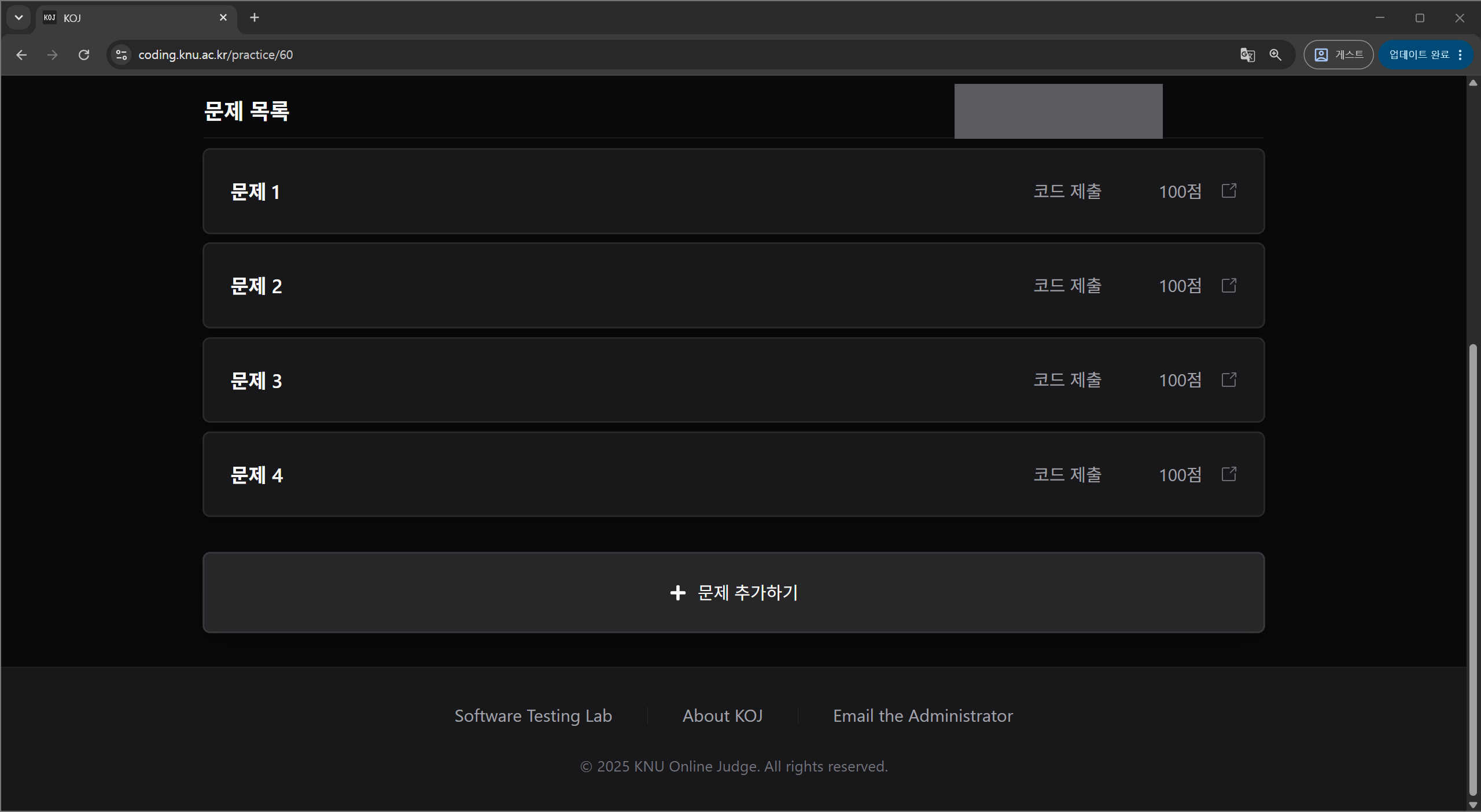
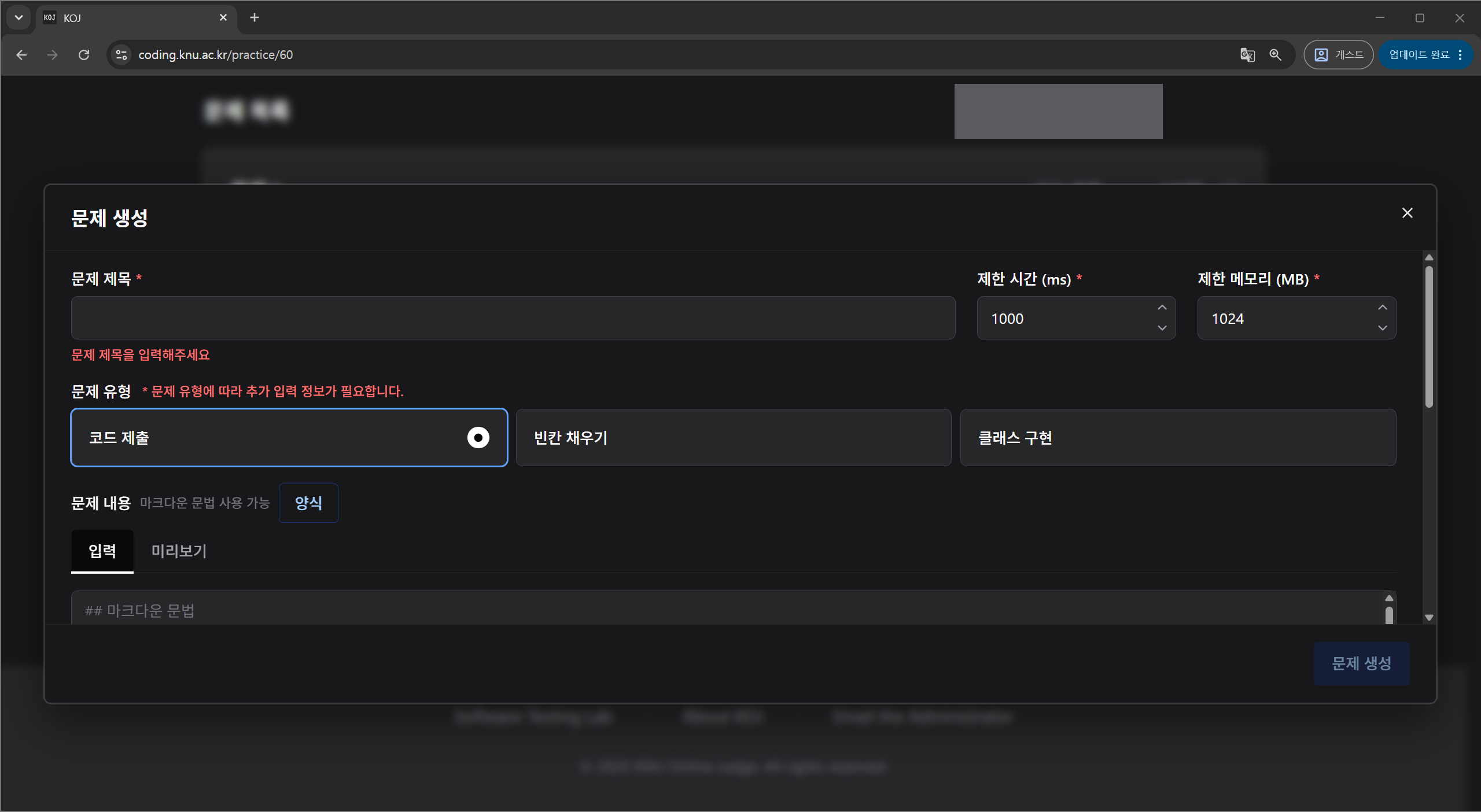
- The body is Markdown and has a preview tab. Attachments and starter code are registered here as well.
- The grader picks its runner from the problem type: 코드 제출 (code submission), 빈칸 채우기 (fill in the blank), 클래스 구현 (class implementation). The language and type you choose must be a combination grading supports.
Registering Test Cases
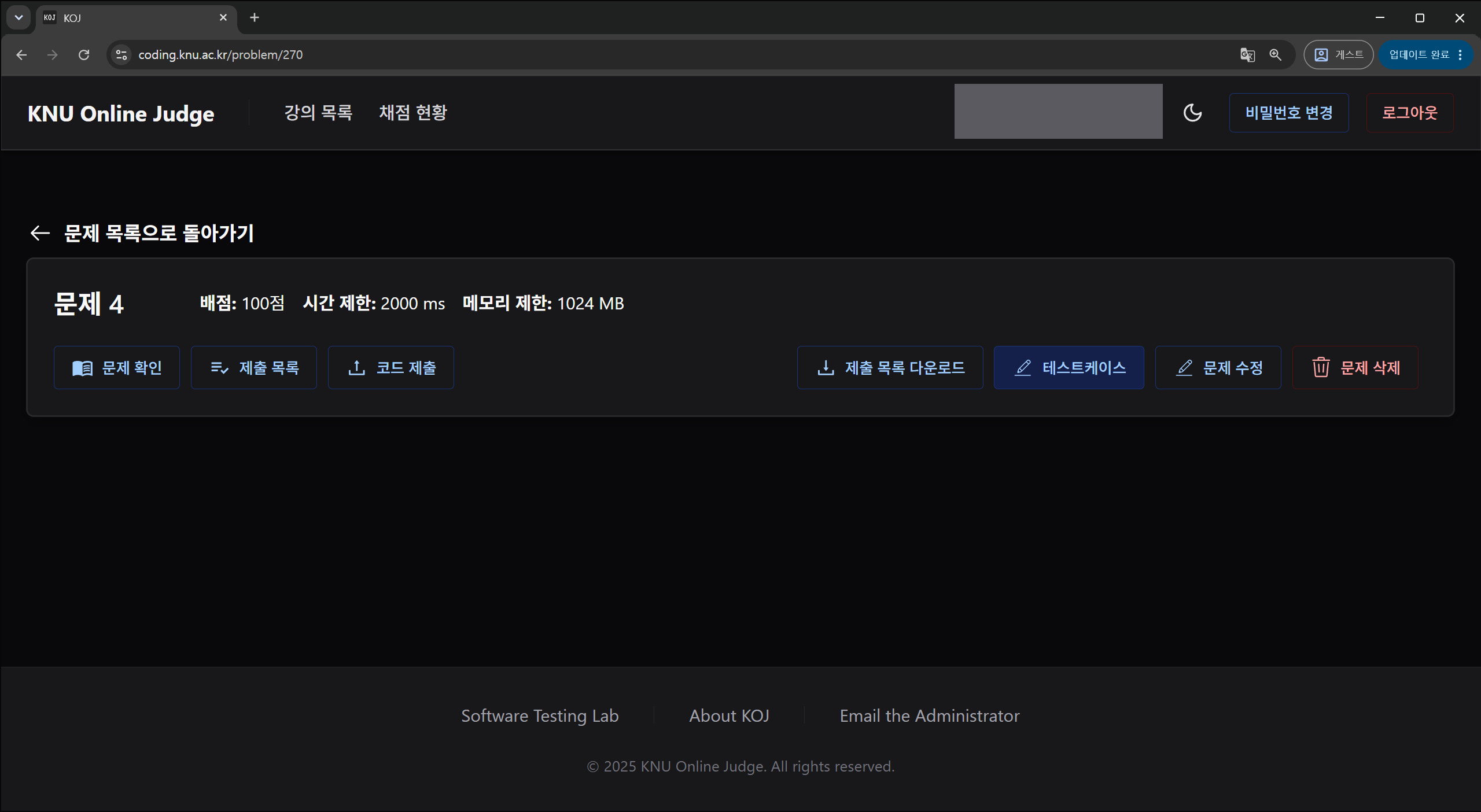
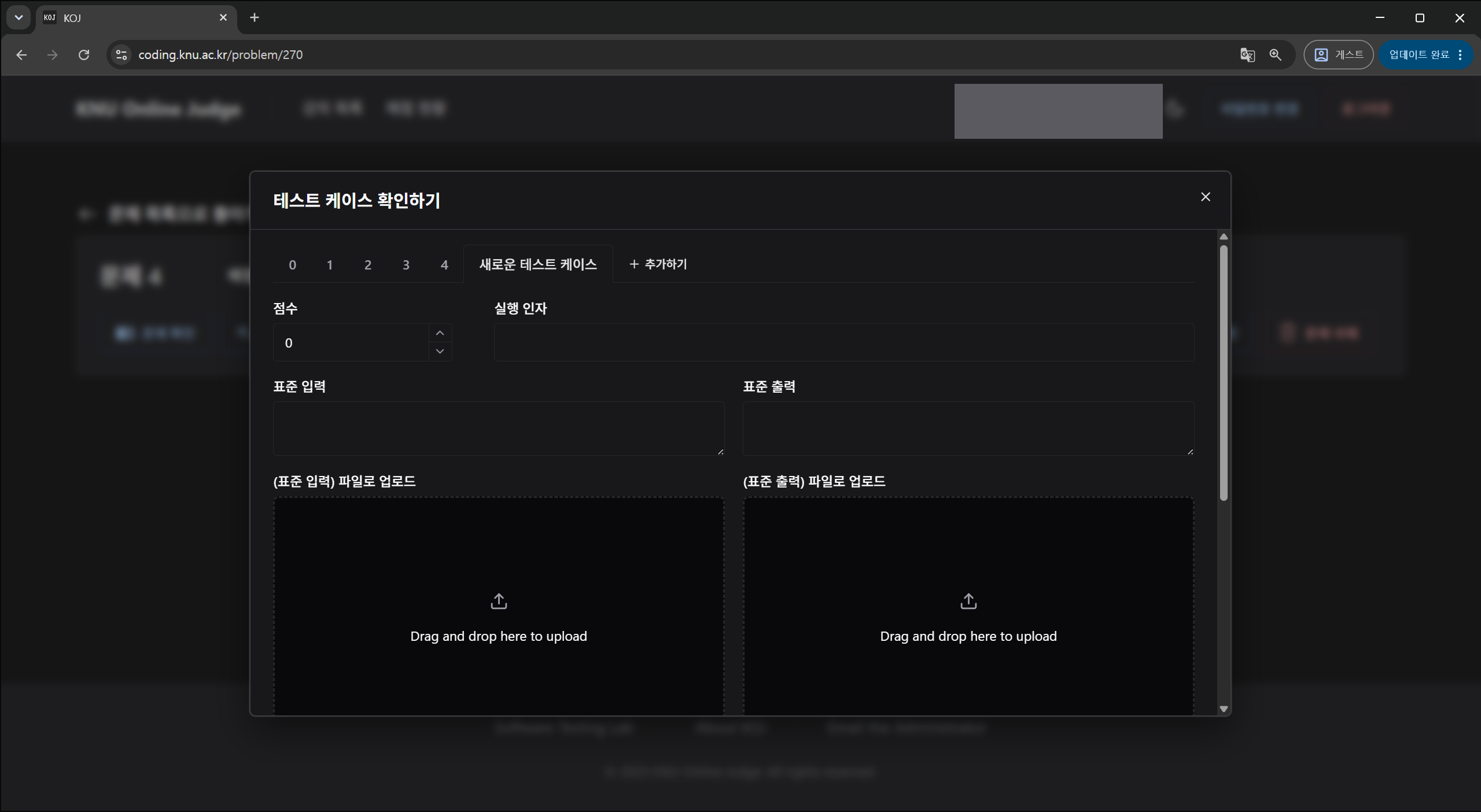
Open it from 테스트 케이스 확인하기 (test cases) on the problem page.
- Standard input and output can be uploaded as files instead of typed. File I/O problems
need their input/output files registered too. Saved cases are stored on the server as
std.inandstd.out. - Submit a sample correct solution afterward and confirm it comes back 정답 (accepted).
Missing test cases are the main cause of
internal_error.
Checking Submissions
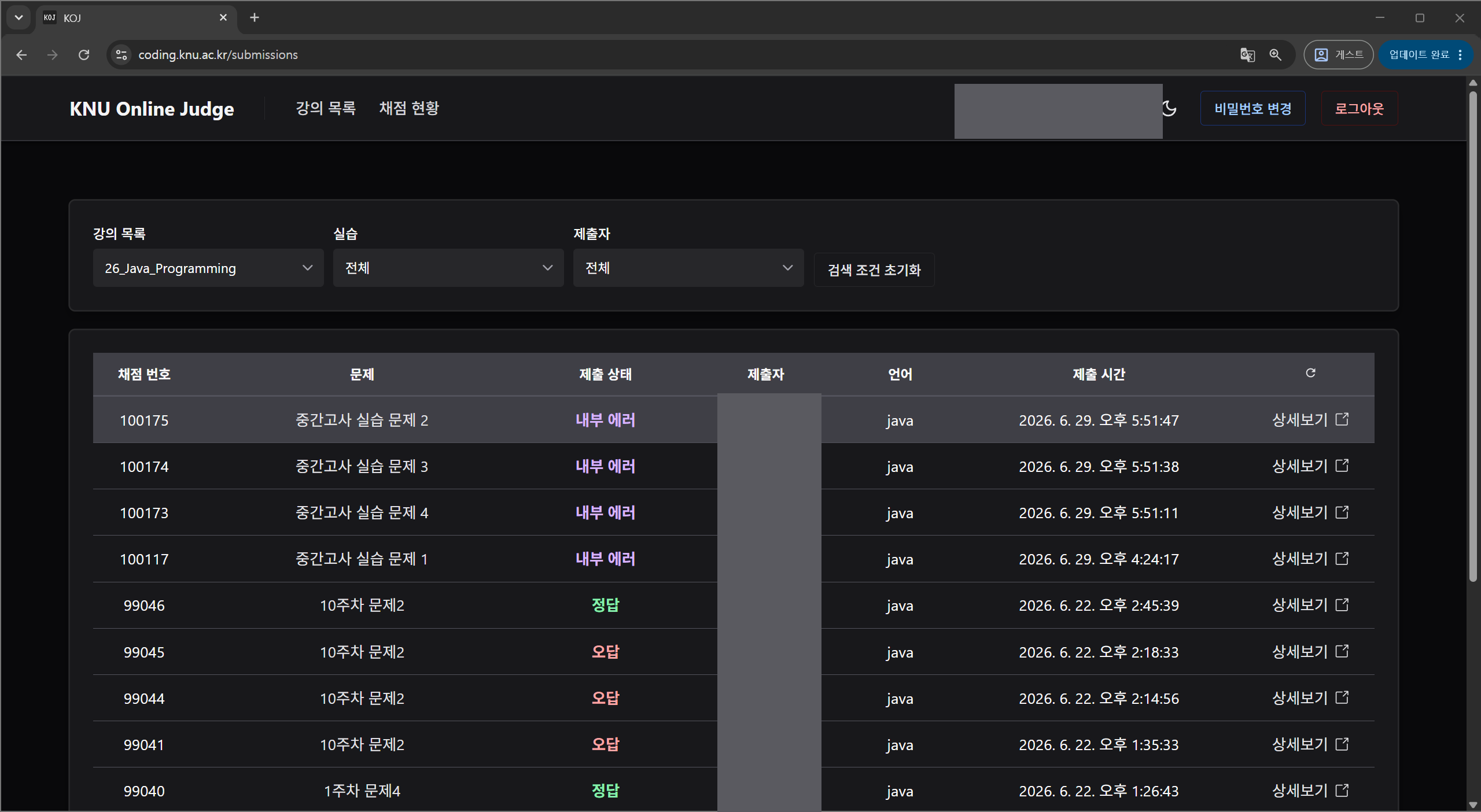
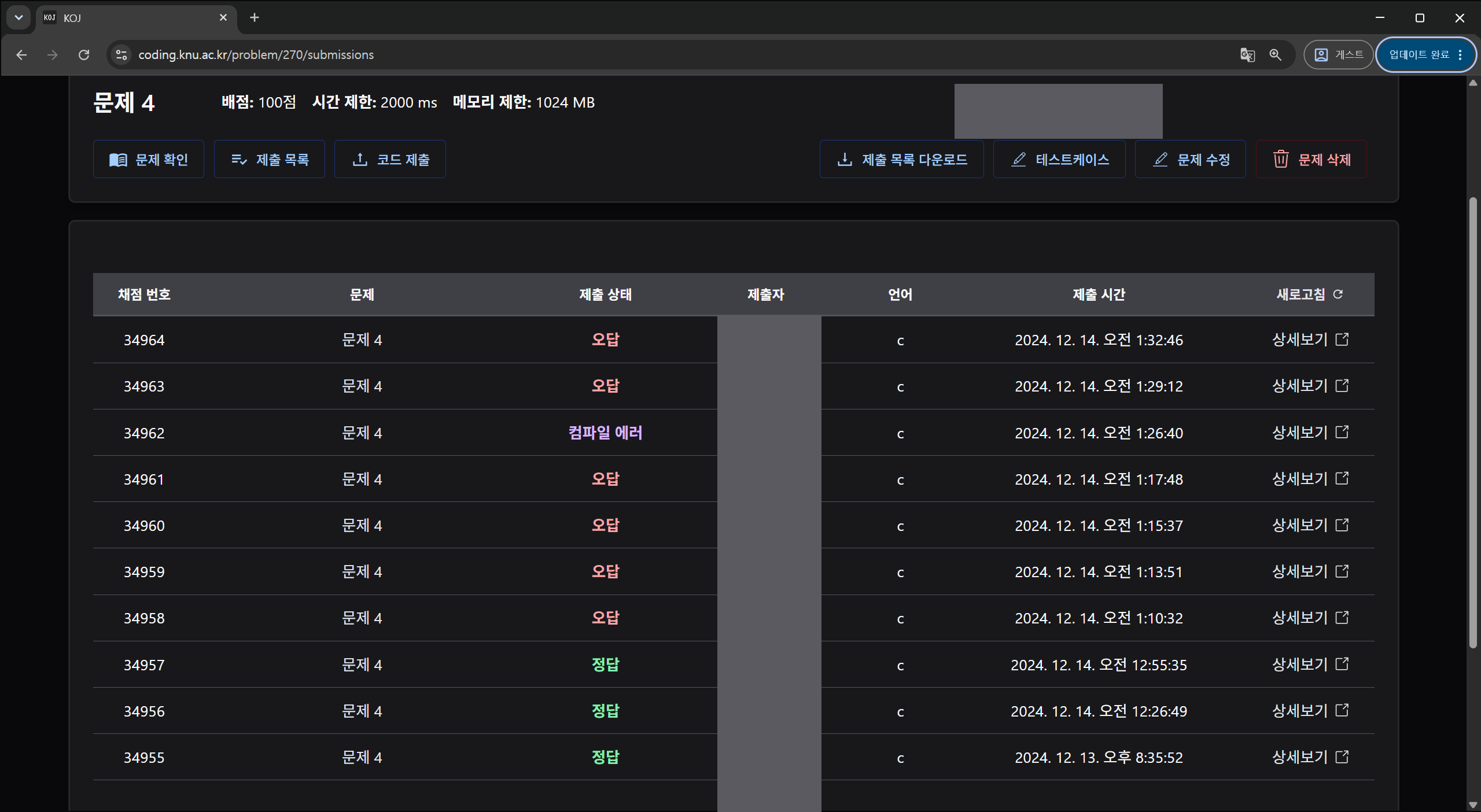
- Submissions stuck at 대기 (waiting) or 실행 중 (running) may indicate a grading server problem. Contact the administrator.
- Clustered 내부 에러 (internal error) results mean the problem's test cases should be checked first.
- The latest accepted submission can be downloaded.
Grades and Quizzes
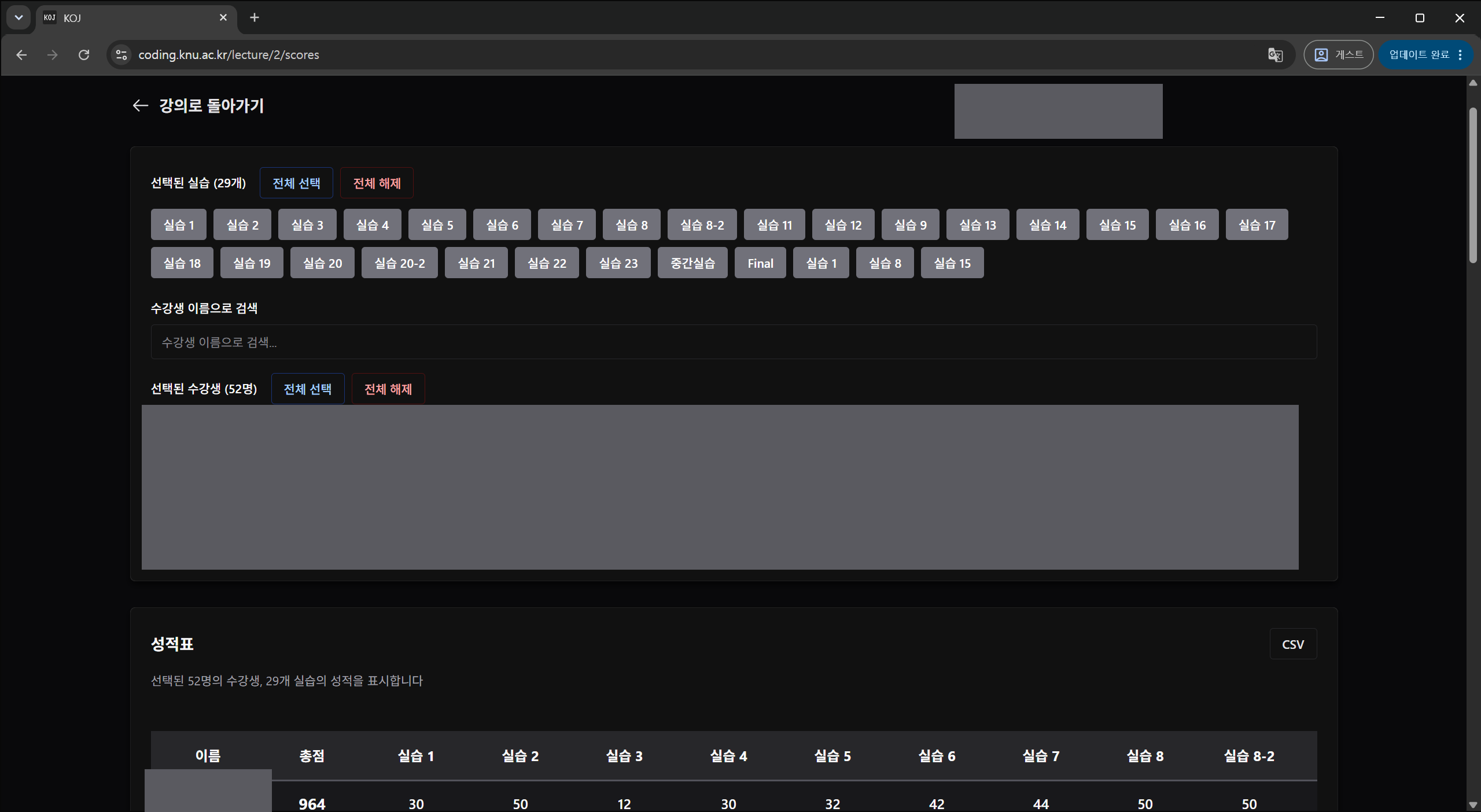
- Pick a lab and student to see per-problem results and totals, and export to CSV.
- Because there is no regrading, editing test cases mid-term means submissions before and after are scored against different criteria.
- Editing a quiz can affect responses already submitted.